Call from your CRM
Start calls and messages from Salesforce with click-to-call and messaging tools.

Bring RingCentral calling into Salesforce and keep customer conversations close to your sales records.
RingCentral for Salesforce · Embedded RingEX integration
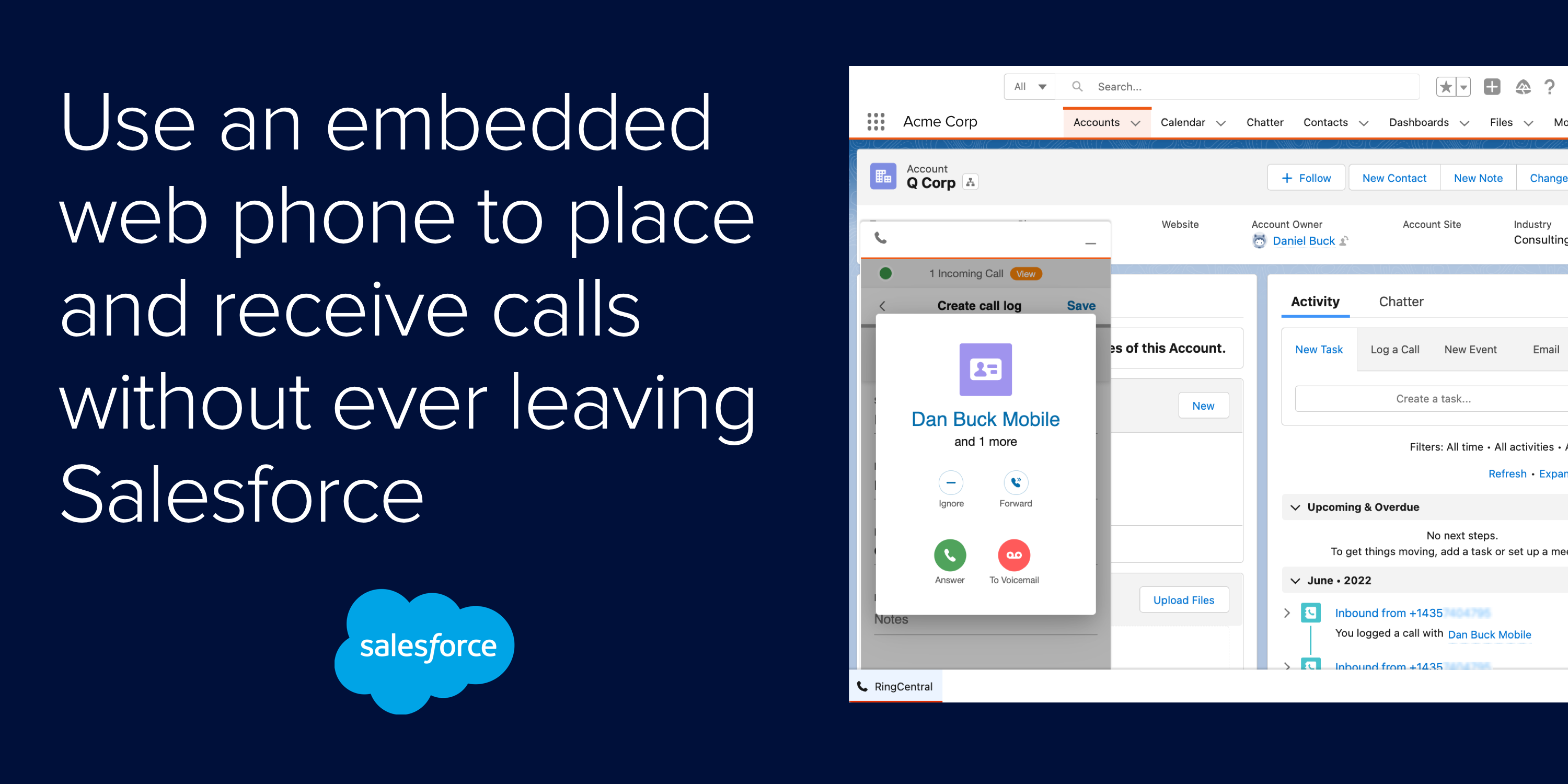
Official RingCentral integration imagery · Click to enlarge
Explore practical connections that bring communications into your working day.
Start calls and messages from Salesforce with click-to-call and messaging tools.
Automatic call and message logging helps reduce manual updates.
Incoming caller details and record pop-ups help your team prepare their response.
Capabilities depend on subscriptions, region, permissions and configuration. Read the official integration details ↗
Explore the product screens below. Open any image for a closer look at the interface.
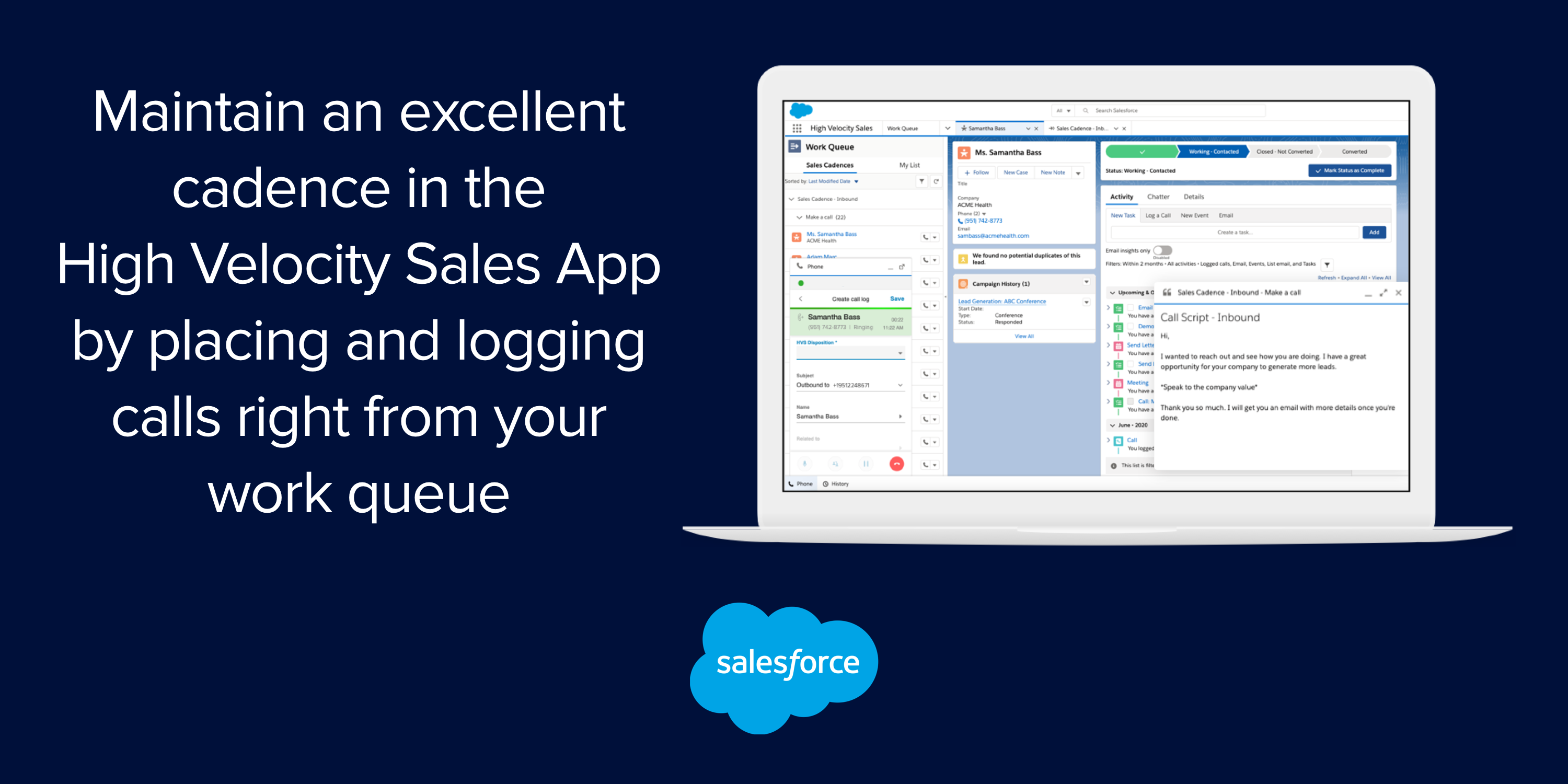
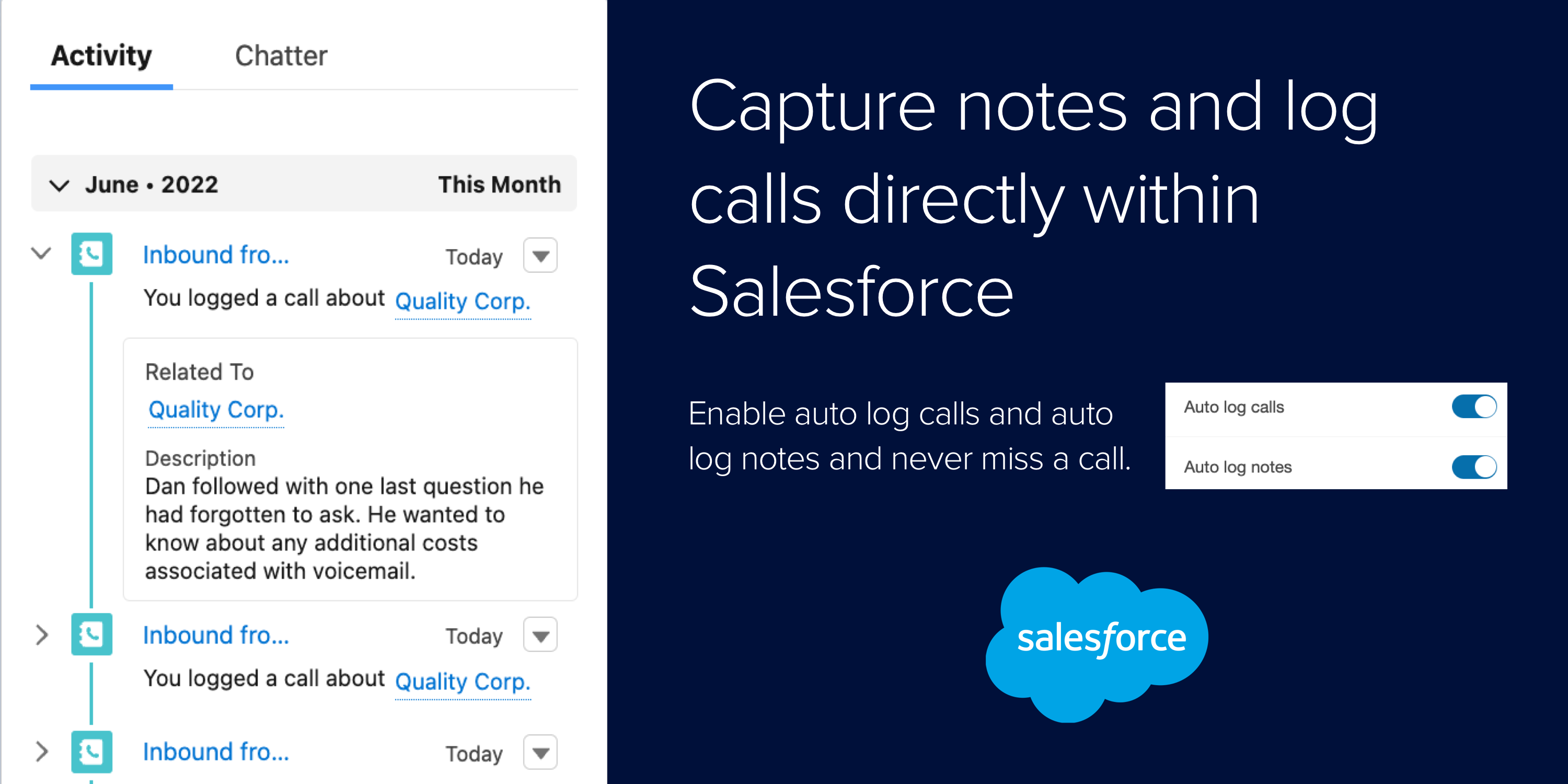
Product imagery: RingCentral App Gallery ↗. Screens show the vendor’s published examples; appearance and features may vary by version and configuration.
Start with how your sales and service teams use Salesforce today, and where conversations become disconnected.
Review your communications setup, required capabilities and suitable integration options.
Agree the configuration, testing and team enablement needed to make the connection useful in daily work.
We’ll help you understand which option fits your existing environment.
We’ll review your Salesforce edition, RingCentral subscription, user licences and permissions. A sandbox pilot is a useful starting point before wider rollout.
Your Salesforce and RingCentral subscriptions, administrator access and required features should be reviewed before setup. Availability depends on the chosen integration and account configuration.
The aim is to connect communications with your existing workflow. We start by reviewing your current process and agreeing any changes before rollout.
Tell us how your team uses Salesforce. Let’s explore a communications workflow that fits.